

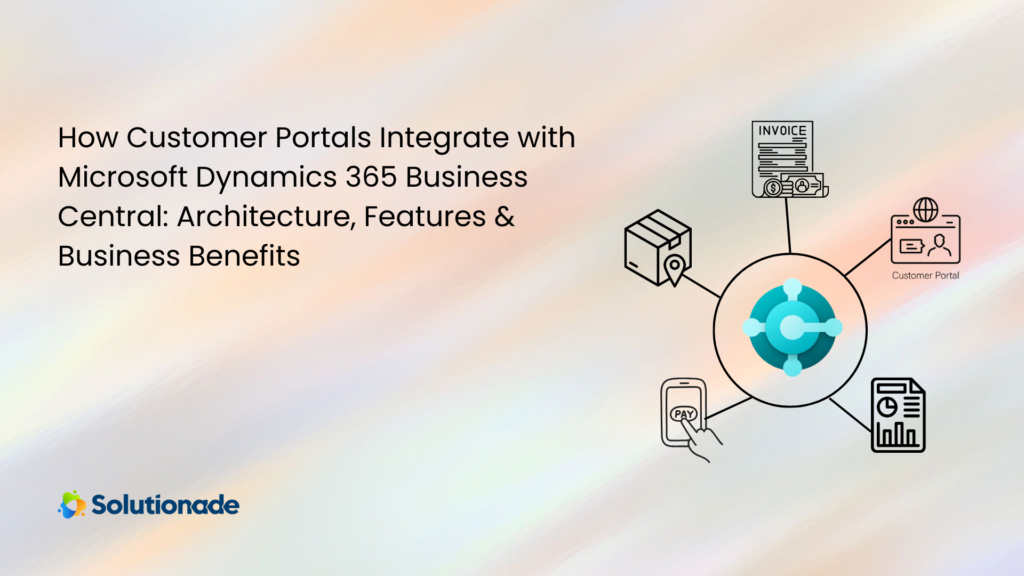
Customers want quick, easy access to their orders, invoices and account details—without having to call or email for updates. A customer portal integrated with Microsoft Dynamics 365 Business Central gives them exactly that: a secure, self-service space where they can manage their information, track orders and stay on top of their finances anytime.
Because the portal connects directly to your ERP, it pulls real-time data, pricing and business rules straight from the system—ensuring accuracy and consistency at every step. Designed to work seamlessly with Microsoft Dynamics NAV and Microsoft Dynamics 365 Finance and Operations as well, customer portals extend the power of your ERP beyond internal teams and put it directly into your customers’ hands.
In this blog, we’ll explore how customer portals integrate with Business Central, the architecture behind them and the real business value they deliver.
Architecture Options for Business Central Customer Portals
Customer portals that connect to Microsoft Dynamics 365 Business Central are typically built in one of three ways. Some organizations choose to develop a fully custom web portal using technologies like .NET, React or Angular, giving them maximum flexibility and control over features and design. Others prefer a Microsoft-native approach using Microsoft Power Pages (formerly Power Apps Portals), which allows for faster development and easier integration within the Microsoft ecosystem. A third option is selecting a third-party ISV solution that offers ready-made functionality and quicker deployment, though with less room for customization.

API-Based Integration with Business Central
A customer portal does not sit inside Microsoft Dynamics 365 Business Central—it’s a separate web application that securely connects to it using standard Microsoft integration tools. Through built-in web services and APIs (such as API v2.0 and OData), the portal can retrieve and update key data like customer records, pricing, sales orders, invoices and payments. This setup allows customers to view account details, place and track orders and manage documents online, while Business Central remains the single source of truth for all business data and logic, ensuring accurate and real-time information.
Authentication & Security
Security is handled through Microsoft Azure Active Directory using OAuth 2.0, ensuring a safe and trusted login experience. When customers sign in to the portal, their identity is verified before any connection is made to Microsoft Dynamics 365 Business Central. Access rights are controlled within Business Central using permission sets, so customers can only see and manage information related to their own accounts. This approach delivers strong security while keeping the Business Central interface protected from external access.
Real-Time Data & Business Logic
Because the customer portal connects directly to Microsoft Dynamics 365 Business Central through standard APIs, all data is synchronized in real time. Pricing updates, inventory availability, order status changes, shipping details and invoice postings are immediately reflected in the portal without manual intervention. At the same time, all core business logic remains within Business Central rather than being duplicated in the portal. Pricing rules, discounts, tax calculations, credit limits and approval workflows are applied directly by the ERP system, ensuring consistency, compliance and accuracy across every customer transaction.
Core Customer Portal Features
A customer portal integrated with Microsoft Dynamics 365 Business Central provides powerful self-service capabilities that improve transparency, efficiency and communication. By connecting directly to the ERP system, the portal gives customers secure, real-time access to their account information and transactions. Key features typically include:
- Seamless Communication – Secure, real-time connection between the portal and NAV.
- Real-time Updates – Instant updates on pricing, shipping dates and comments.
- Upload and Download Manager – Customers can download invoices and statements or upload documents related to their orders.
- Information and Document Management – Customers can view and manage all documents online within Microsoft Dynamics 365.
- Alerts and Notifications – Automated emails for order updates, invoices or other important actions.
- Dashboards and Statistics – Overview of order history, spending summaries and account activity.
- Simplified Customer Registration – Easy, secure self-service account creation and onboarding.
- Display all NAV Quotes, Orders and Invoices – Access all quotes, orders and invoices online.
- View/Print Orders, Invoices and Reports – Ability to view, save as PDF or print any historical quote, order or invoice.
Together, these features create a streamlined and professional digital experience for customers while keeping all data aligned with Business Central.
Business Benefits of a Customer Portal
A customer portal can streamline operations and improve the overall experience for both your business and your customers. Key benefits include:
- Seamless Integration with Dynamics Business Central – Data flows smoothly across systems for easier operations.
- Secure Storage of Card Profiles – Save payment info safely for faster future transactions.
- Better Visibility for Customers – Customers can track orders, shipping and payments easily.
- Full Access to Order2Pay Features – Manage everything in one place for greater control.
- Reduced Administrative Workload – Customers can self-serve, so staff spend less time on routine questions.
- Improved Customer Satisfaction – 24/7 access to accounts and orders builds trust and loyalty.
Empowering your customers with a portal connected to Microsoft Dynamics 365 Business Central isn’t just a convenience, it’s a strategic advantage. By giving them real-time access to orders, invoices and account information, you streamline operations, reduce manual work and strengthen customer relationships.
Ready to transform your customer experience and take your Business Central ERP to the next level? Contact Solutionade, a Trusted Microsoft Solutions partner, and explore how a tailored customer portal can work for your business today.