

DynaLeague: A Smarter Way to Manage Sports Events, Tournaments & Team Registrations
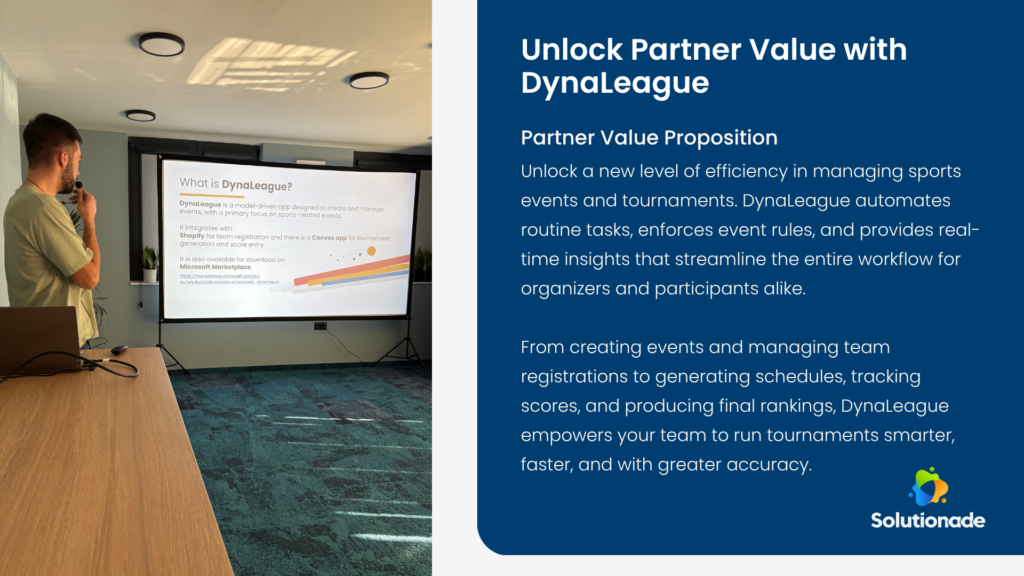
Managing sports tournaments can be a complex and time-consuming process — from organizing teams, setting rules, collecting registrations, generating match schedules, to tracking live scores and producing final rankings. DynaLeague, a model-driven application built on the Microsoft Power Platform, transforms this entire workflow into a seamless, automated experience for organizers and participants alike.
Designed primarily for sports events but flexible enough to support business competitions as well, DynaLeague integrates event management, registration, scheduling, and reporting into one powerful ecosystem. With its tight connection to Shopify, Power Apps, and Power BI, it delivers a modern, end-to-end solution for running events more efficiently.
A Powerful Foundation: Dynamics 365 & Power Platform
At the core of DynaLeague is Microsoft Dynamics 365, specifically a model-driven app that provides structure, security, and scalability. The entire solution sits within the Power Platform, which means organizers benefit from automation (Power Automate), custom UI experiences (Canvas Apps), and data-driven reporting (Power BI).
Before getting started, every customer creates an S-Registration record — a central point for generating licenses for DynaLeague and managing which users have access to the system. This ensures only properly licensed and authorized users interact with the application.
Step 1: Creating the Event Tour
The first step in the DynaLeague workflow is creating an Event Tour, which acts as the parent container for one or more events. Organizers define essential information such as:
- Event Tour Name
- Start Date
- End Date
Within the Event Tour form, users also gain access to key sub-sections that drive the event logic:
- Event Sport Configuration
- Event Creation
- Participation Fee Setup
These form the backbone of how the tournament will operate.
Step 2: Defining Event Rules
Next comes the Event Sport Configuration, where organizers define the rules and structure of the sport being played. This includes:
- Sport type
- Event type (Sport or Business)
- Minimum and maximum players
- Gender type
- Points awarded for win, draw, and loss
This ensures every subsequent event follows consistent rules.
Step 3: Creating Individual Events
Once the rules are defined, organizers create one or more Events within the Event Tour. Each Event is given:
- A name
- Start and end dates
- Location
- A link to the corresponding Event Sport Configuration
This linkage ensures each event inherits the correct rules and structure.
Step 4: Setting Participation Fees
Organizers then set up Participation Fees, which can apply either:
- To the entire Event Tour, or
- To a specific Event
This flexibility supports scenarios where different competitions within the same tour have different entry fees.
Seamless Shopify Integration
One of DynaLeague’s most powerful features is its deep integration with Shopify.
Once the Event Tour, Events, and Participation Fees are configured, DynaLeague automatically creates:
- A Shopify Product representing the Event Tour
- A Variant for each Event
- Quantity availability based on maximum team capacity
- Pricing based on defined fees
Teams can register directly from the Shopify website. After filling in basic team details and completing payment, the system automatically:
- Creates a Team record in Dynamics 365
- Links the team to the correct Event
- Updates capacity back in Shopify
This bidirectional sync is powered by a custom connector and Power Automate flows.
Tournament Creation & Game Management
Once the maximum team count is reached, organizers create the tournament through the Tournament Generator Canvas App. They can choose from:
- Knockout
- League
- Group Stage
DynaLeague automatically generates all Event Game and Team Game Participation records, eliminating manual setup.
Scheduling, match play, and score entry can be handled either from the main Canvas App or through a lightweight mobile version optimized for quick score entry during live events.
Rich Reporting with Power BI
DynaLeague includes a complete Power BI report that provides deep insights into:
- Registered teams and players
- Match schedules (upcoming & completed)
- Group standings
- Knockout brackets
- Final rankings
These reports can be viewed inside Dynamics 365 or directly through the Shopify page, making insights accessible to both organizers and participants.
Interested in building powerful solutions like DynaLeague or modernizing your event management platform? Contact Solutionade a Microsoft Solutions Partner to learn how our experts can help you design and implement scalable applications using Dynamics 365 and the Microsoft Power Platform.
Frequently Asked Questions