

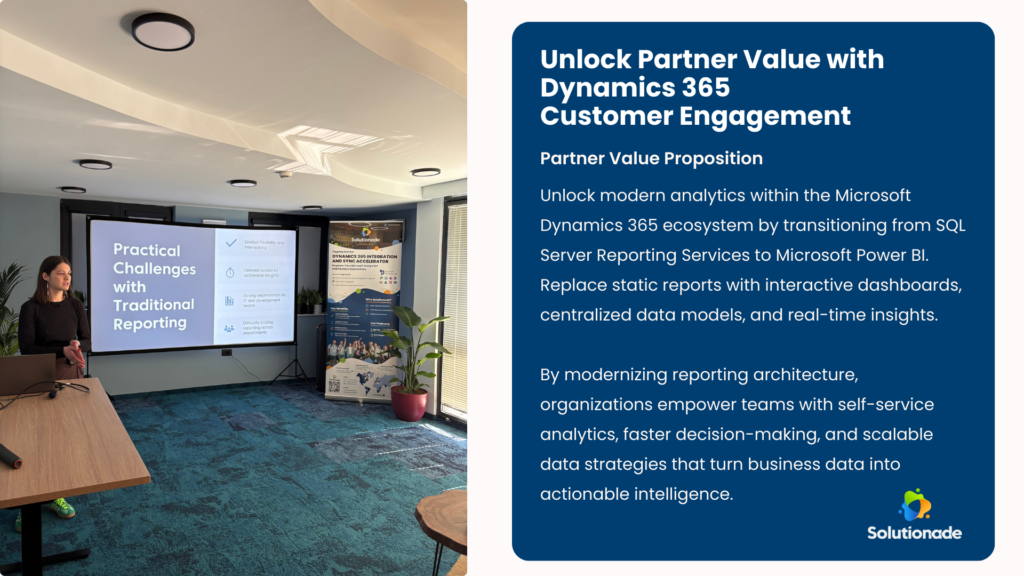
As organizations continue to modernize their data and analytics strategies, many are rethinking how reporting should work within the Dynamics 365 ecosystem. During a recent session at Connect Conference 2026, Solutionade experts explored the growing shift from traditional reporting tools like SQL Server Reporting Services (SSRS) toward modern analytics platforms such as Power BI.
In the last decade, the way organizations work with data has changed dramatically. Traditional reporting tools like SSRS have served businesses well for years, offering stability, predictable outputs, and precise document formatting. But as digital transformation accelerates and data becomes a strategic asset, not just an operational requirement, organizations are moving toward modern analytics platforms.
One of the most impactful shifts within the Dynamics 365 ecosystem is the transition from SSRS reports to Power BI. This evolution isn’t simply about adopting a newer tool. It represents a fundamental architectural change in how data is modeled, delivered, and consumed across the business.
Why Many Organizations Still Depend on SSRS
Before looking ahead, it’s important to understand the current landscape. Many companies continue to rely heavily on SSRS for operational reporting. These reports are often static, scheduled outputs that business users view as their primary source of truth. However, changes to these reports, new filters, additional fields, or adjusted logic, typically require IT involvement.
Meanwhile, data is frequently dispersed across multiple systems: ERP, CRM, data warehouses, Excel files, and external applications. Getting a complete picture requires piecing together fragments from various sources, slowing down the business and increasing dependency on developers.
This approach works, until the organization needs agility, interactivity, or real-time insights.
Why the Shift Away From SSRS Is Accelerating
Several forces are pushing organizations toward more modern analytics:
• Growing demand for interactive dashboards and self-service analytics, enabling business users to explore data on their own
• Pressure to access near real-time information, rather than rely on static reports
• Cloud-first transformation strategies that align with platforms like Power BI
• A rising expectation for modern, intuitive, and visually rich user experiences
Modern analytics tools offer not just prettier charts, but faster decision-making, reduced reliance on IT, and scalable data architectures that support business growth.
Where SSRS Still Makes Sense
Despite the momentum toward Power BI, SSRS isn’t obsolete. In fact, it shines in specific scenarios:
• Pixel-perfect regulatory documents
• Structured, print-ready forms
• Highly controlled layouts and predefined outputs
For these use cases, stability and formatting precision matter more than interactivity. SSRS remains an excellent operational reporting tool, just not a modern analytics platform.
Architectural Shift: From Queries to Models
The biggest change when moving from SSRS to Power BI is architectural. SSRS reports are often tightly coupled to SQL queries or stored procedures. Logic is embedded directly in the dataset, making each report a standalone solution that must be individually maintained.
Power BI takes a different approach. Instead of “one report = one query,” it introduces a semantic data model, a reusable layer that centralizes business logic, relationships, and transformations. This promotes consistency, improves performance, and enables a single model to power multiple dashboards.
It’s a move from database-driven reporting to model-driven analytics, creating a stronger foundation for scalable data strategies across the organization.
Practical Challenges in the Migration
Modernizing SSRS reports isn’t always straightforward. Common challenges include:
• Reverse engineering existing SSRS logic with limited documentation
• Translating complex SQL and stored procedures into Power BI data models and DAX
• Ensuring data consistency across new and old reporting environments
• Rebuilding business calculations in a more modular and reusable way
• Maintaining performance through optimized models, relationships, and refresh strategies
A poorly designed model can easily underperform compared to a simple SQL query, meaning architecture and optimization matter more than ever.
This is where experienced partners play a crucial role. Organizations often benefit from working with experts who understand both Dynamics 365 data structures and modern Power BI architecture, ensuring that reporting modernization delivers real business value rather than introducing complexity.
A Shift in Developer Mindset
This modernization also transforms the role of developers. Instead of acting primarily as report builders, they become data solution developers, responsible for modeling, governance, performance, and cross-functional collaboration.
Data becomes a product, not just an output.
Teams must think beyond individual reports and focus on building reusable data foundations that support analytics across departments, systems, and business processes.
The Value of Modern Analytics
Organizations that adopt Power BI within Dynamics 365 gain significant benefits:
• Faster, more informed decision-making
• Better user experience and higher adoption
• Reduced dependency on developers for minor changes
• Integrated, cross-department visibility
• Scalability through cloud-based architecture
Modern analytics isn’t just about visuals, it’s about empowering the business to act on insights faster and with greater confidence.

Looking Ahead
The transition from SSRS to Power BI represents more than a reporting upgrade—it’s a strategic shift toward modern, scalable data platforms that support continuous business innovation.
Organizations that invest in modern analytics today position themselves to unlock deeper insights, streamline operations, and empower teams with the information they need to make smarter decisions.
Thinking about modernizing your Dynamics 365 reporting strategy? Contact Solutionade a trusted Microsoft Solutions Partner to learn how our experts can help you transition from SSRS to Power BI, design scalable data models, and unlock the full potential of your business data.
Frequently Asked Questions